


Description
Download MateAI AI Chat Bot Assistant APK – AI Chat Bot, Free AI Assistant, Multilingual Chat, Writing Tool, Productivity Helper
Overview
MateAI AI Chat Bot Assistant is a free desktop application designed to deliver intelligent, conversational support through artificial intelligence. Built to assist users across a wide range of daily tasks, the software functions as a dynamic chatbot capable of processing natural language prompts and generating relevant, context-aware responses. It is particularly useful for individuals seeking instant help with writing, problem-solving, task automation, and general information retrieval. The software is suitable for students, professionals, content creators, and casual users who want a reliable AI companion without subscription costs. The application leverages advanced AI models to interpret user inquiries and deliver responses that feel natural and coherent. It draws from a broad range of online resources to inform its answers, enabling it to provide up-to-date information on current topics. Real-world usage scenarios include drafting emails, generating creative content, solving coding challenges, planning travel itineraries, and seeking advice on personal or professional development. The developer did not provide additional details about the organization behind the software. While the application is described as free to use, specific licensing terms were not included in the provided information. It is designed to support users in both personal and professional contexts, offering a flexible tool for productivity and creativity.Key Features & Capabilities
- AI-Powered Conversational Engine – The software uses artificial intelligence to understand and respond to user prompts in a natural, human-like manner. It processes complex queries and delivers contextually relevant answers, making interactions feel seamless and intuitive.
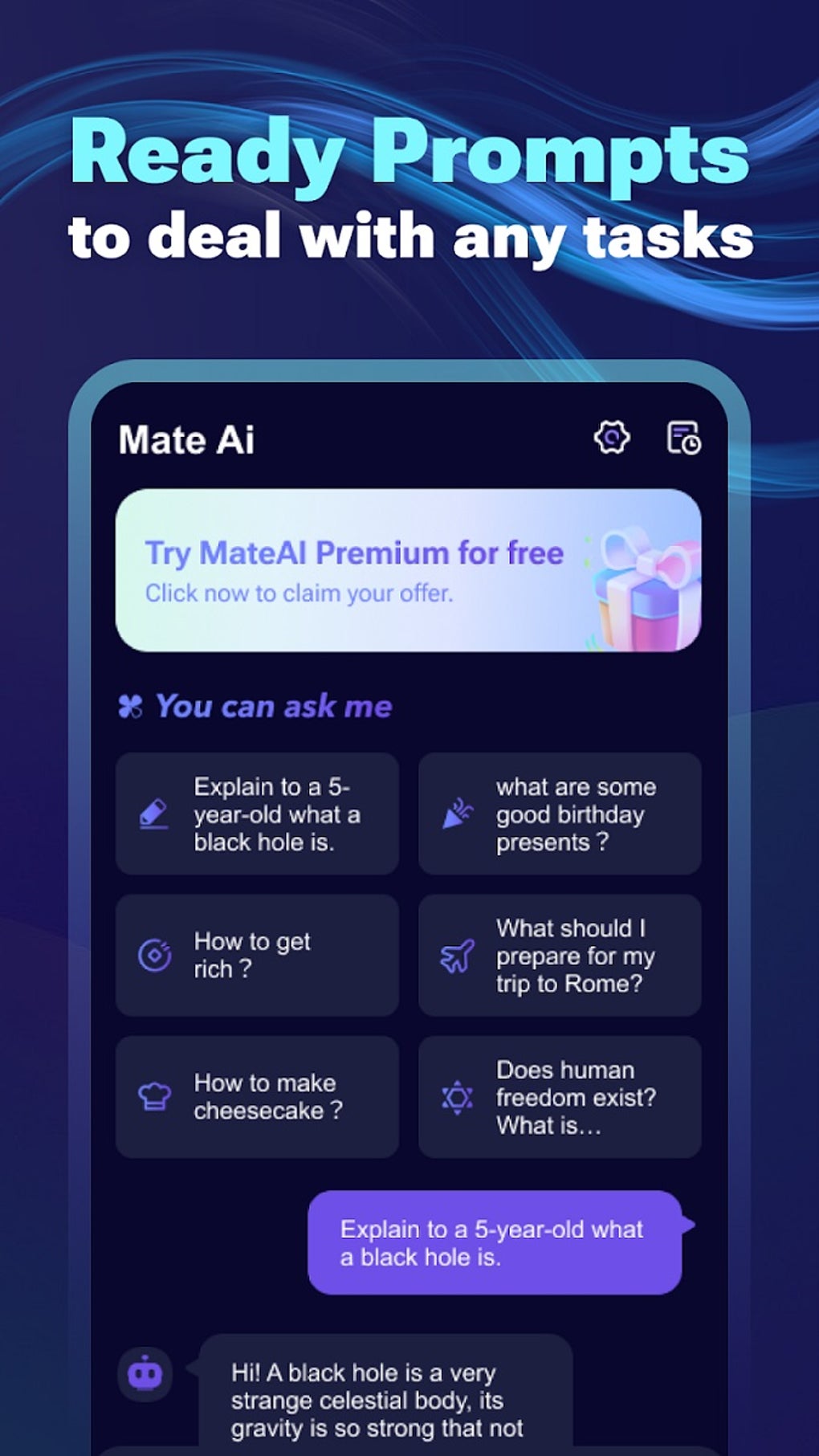
- Ready-to-Use Prompts Library – A curated collection of pre-designed prompts helps users quickly initiate tasks such as creating recipes, generating coding solutions, and building travel itineraries. This feature reduces setup time and enhances usability for beginners.
- Writing Assistance Tools – The software supports text summarization, grammar and spelling checks, and structural optimization of written content. These tools are beneficial for improving clarity, tone, and readability in emails, reports, and creative writing.
- Multi-Language Support – With support for over 500 languages, the application enables users to interact in their native tongue, making it accessible to a global audience and ideal for multilingual environments.
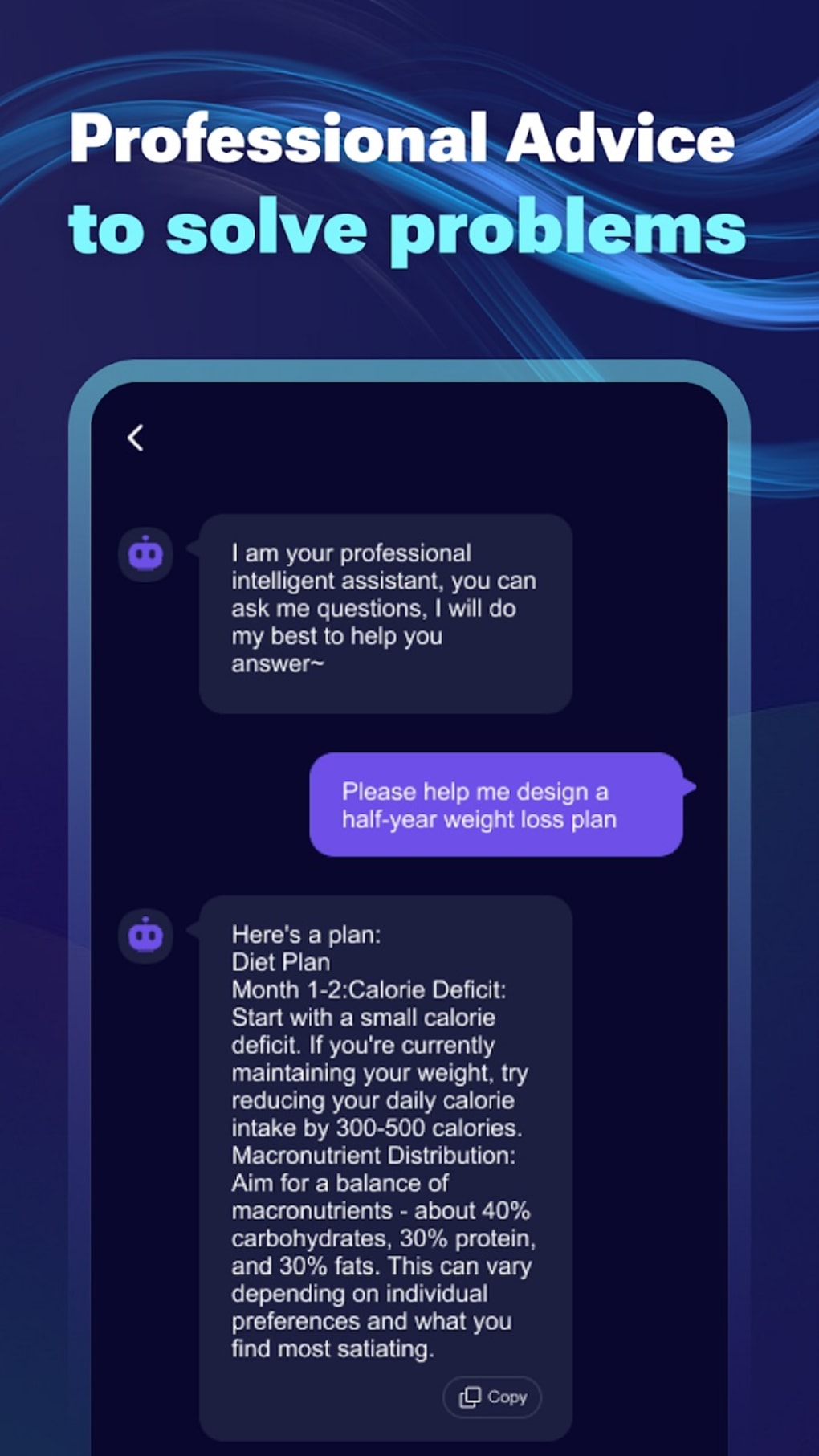
- Advisory and Guidance Features – The chatbot offers suggestions on personal development, career planning, and relationship advice. While these responses are designed to be helpful, the developer did not specify the sources used to generate such recommendations.
User Interface, Workflow & Performance
The user interface is designed to facilitate intuitive interaction through a clean, chat-based layout. Navigation is centered around a message input field and a conversation history panel, allowing users to track previous exchanges and maintain context across sessions. The workflow is linear and straightforward: users type a prompt, receive a response, and can continue the conversation in real time. Ease of use is a core design principle, making the software accessible to users with minimal technical experience. The interface supports real-time text processing, enabling dynamic interaction without noticeable delays. However, exact performance details such as CPU or RAM usage were not specified by the developer. General software behavior patterns suggest stable operation under normal usage conditions. The application does not appear to require background processes or extensive initialization. Stability is assumed to be consistent based on typical AI chatbot performance, though specific crash reports or error logs were not provided. The developer did not specify resource usage details.Compatibility & System Requirements
MateAI AI Chat Bot Assistant is designed to run on Android operating systems, as it is distributed via the Google Play Store. The software version and installation size were not specified in the provided input. Compatibility information is limited to the Android platform. The developer did not provide additional system requirements such as minimum RAM, processor specifications, or storage needs. Exact hardware compatibility details were not listed. Users should verify system compatibility through the official distribution channel.Pros and Cons
Pros
- Free to use with no subscription fees
- Supports over 500 languages for global accessibility
- Includes ready-to-use prompts for common tasks
- Offers writing assistance including grammar and summarization
- Provides conversational, natural-sounding responses
- Delivers advice on personal and professional topics
Cons
- Exact system requirements were not provided
- No information on reference sources for academic or research-based responses
- Performance resource usage details were not specified
- May lack verifiable citations for factual claims
- Compatibility limited to Android platform
FAQ Section
Is MateAI AI Chat Bot Assistant available for Windows or Mac?
The software is currently distributed via the Google Play Store, indicating it is designed for Android devices. There is no confirmed version for Windows or Mac operating systems.Is the app safe to download and use?
The application is available for free download from the Google Play Store, which provides a secure distribution channel. However, users should review permissions and ensure they are downloading from the official source.Does the software require an internet connection?
Yes, the software relies on online AI models and data sources to generate responses, meaning an active internet connection is required for full functionality.Are updates available for this software?
The developer has not specified update frequency or versioning details. Updates are likely available through the Google Play Store, as is standard for Android applications.Can I use MateAI offline?
The software requires internet access to function, as it depends on cloud-based AI models. Offline usage is not supported based on the current design.Final Thoughts + CTA
MateAI AI Chat Bot Assistant stands out as a versatile, free AI tool that brings intelligent assistance to users across diverse tasks. Its multilingual support, ready-to-use prompts, and writing enhancement features make it a practical companion for both personal and professional use. While it lacks detailed information on system requirements and academic sourcing, its core functionality remains strong and accessible. The software is ideal for individuals seeking a no-cost, user-friendly AI assistant for everyday problem-solving, content creation, and conversation. With its natural language capabilities and broad language coverage, it delivers a compelling experience for global users. Download MateAI AI Chat Bot Assistant nowGuides & Tutorials for MateAI AI Chat Bot Assistant APK
How to install MateAI AI Chat Bot Assistant APK
- Click the Preview / Download button above.
- Once redirected, accept the terms and click Install.
- Wait for the MateAI AI Chat Bot Assistant APK download to finish on your device.
How to use MateAI AI Chat Bot Assistant APK
This software is primarily used for its core features described above. Open the app after installation to explore its capabilities.
User Reviews for MateAI AI Chat Bot Assistant APK 0
No reviews found